Dual filters.
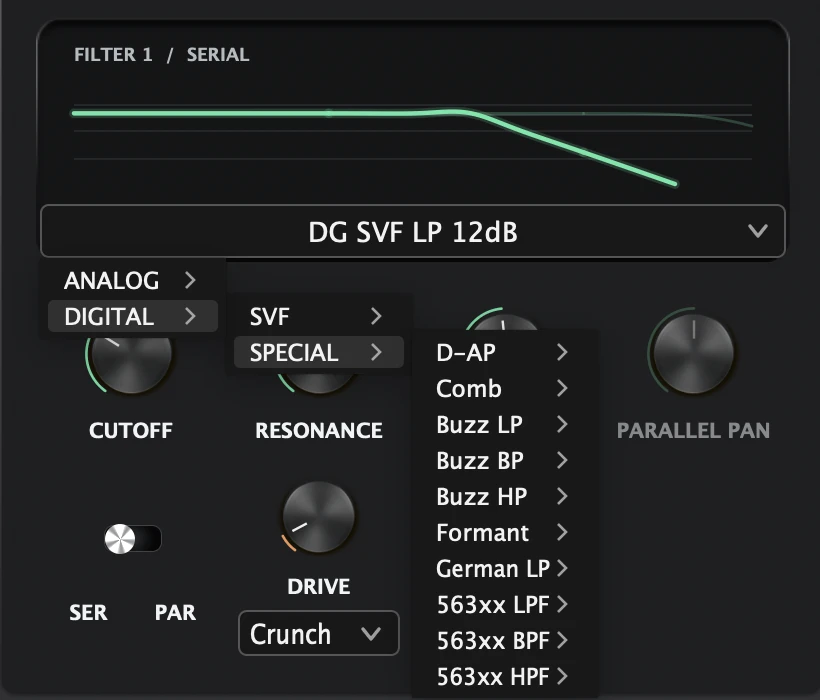
Serial or parallel routing, cutoff sync, topology-aware slopes, digital special models, and cascade drive.
 Explore access
 SoundRave presents
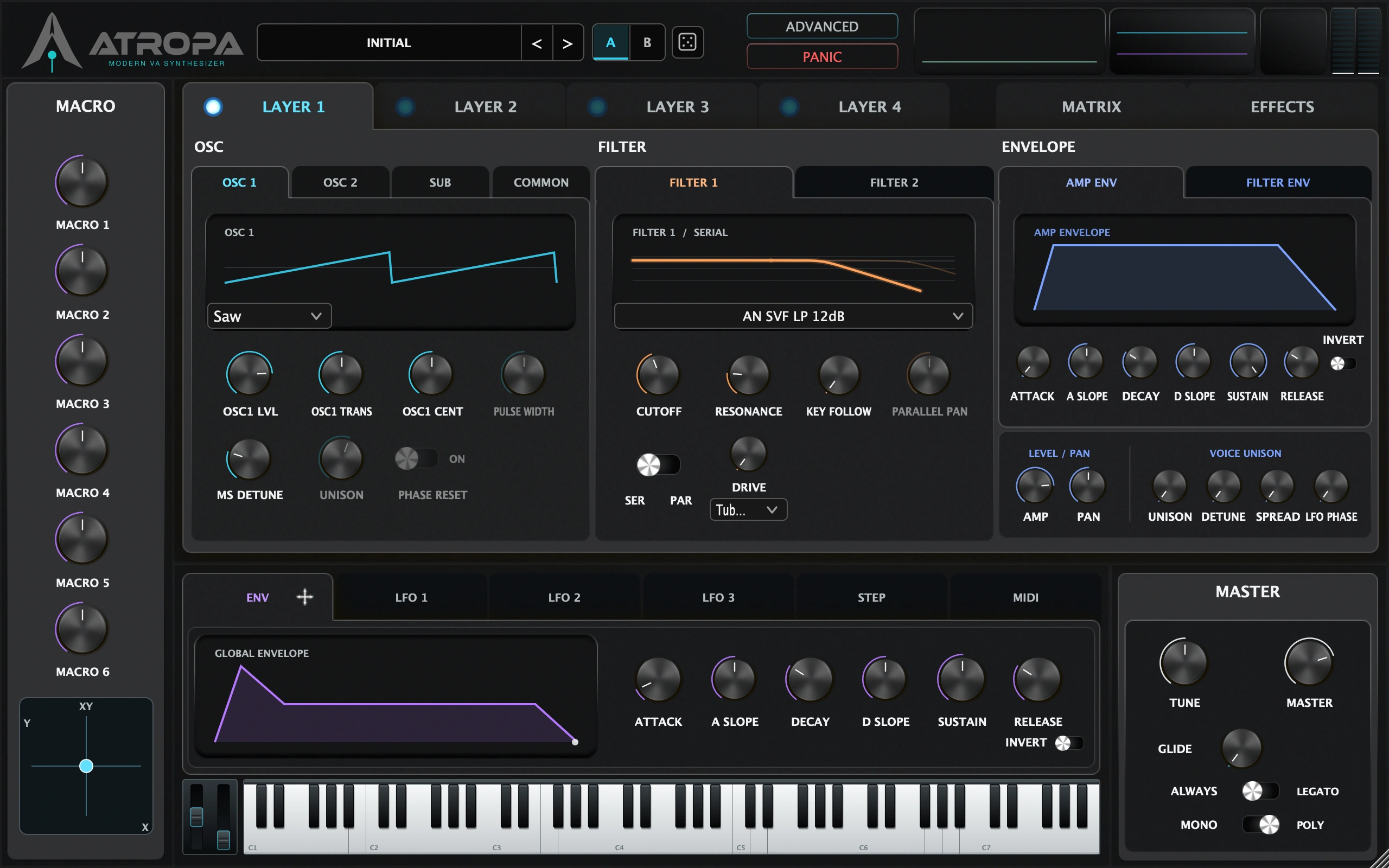
Four independent synthesis layers, dual filters, direct modulation, and a modular effects chain. ATROPA keeps the full instrument visible while letting a patch become as complex as it needs to be.
01 / Instrument
OSC, dual filters, envelopes, and performance controls remain visible as one connected surface. Deep functions are there when needed, but they do not replace the main workflow.
02 / Filter + modulation
Two filters per layer, analog and digital families, direct modulation sources, and drag-to-route assignments. The deeper choices stay close to the control they affect.
Serial or parallel routing, cutoff sync, topology-aware slopes, digital special models, and cascade drive.
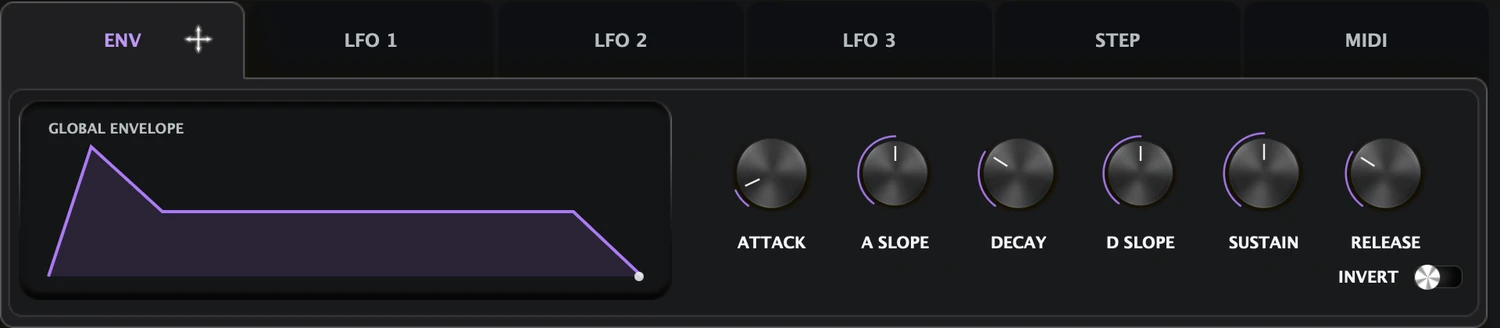
Global envelope with slope shaping and inversion
03 / Modular EFX
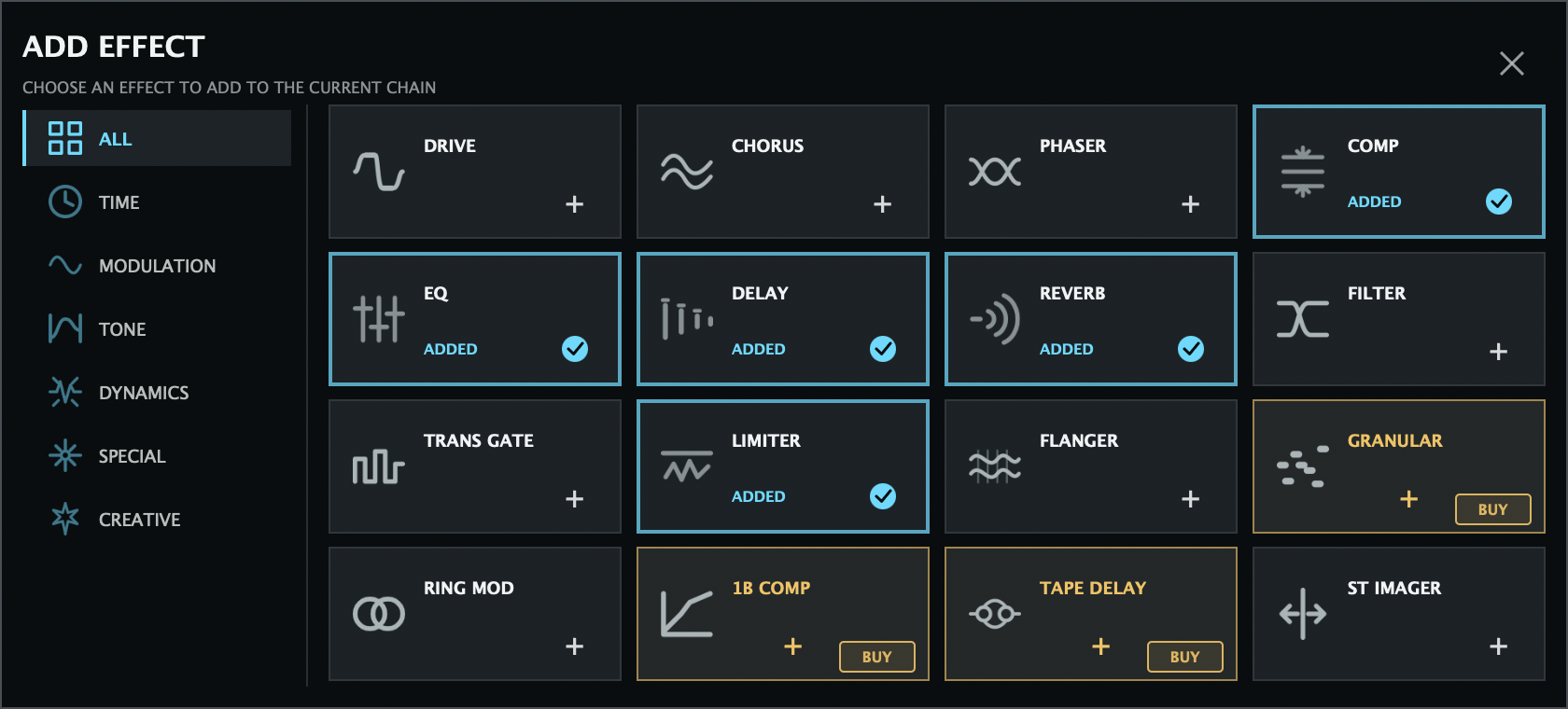
Add only the processors a patch needs, bypass them independently, remove them, or change their order. The chain stays visual and directly editable.
Build the chain from the Effect Browser, then add, reorder, bypass, or remove processors directly. Time, modulation, tone, dynamics, and stereo processing share one flexible workflow.
Installing it or creating an ATROPA account does not unlock it. All-In Snapshot and individual EFX purchases do not include the standalone ATROPA FX plug-in.
04 / Community
Independent creators put ATROPA through real-world sessions and share their own sounds, workflows, and perspective.
Community video / Shared with permission
Watch Mack Beats Studio explore ATROPA and build sounds with the free instrument.
Watch on YouTubeATROPA / Access
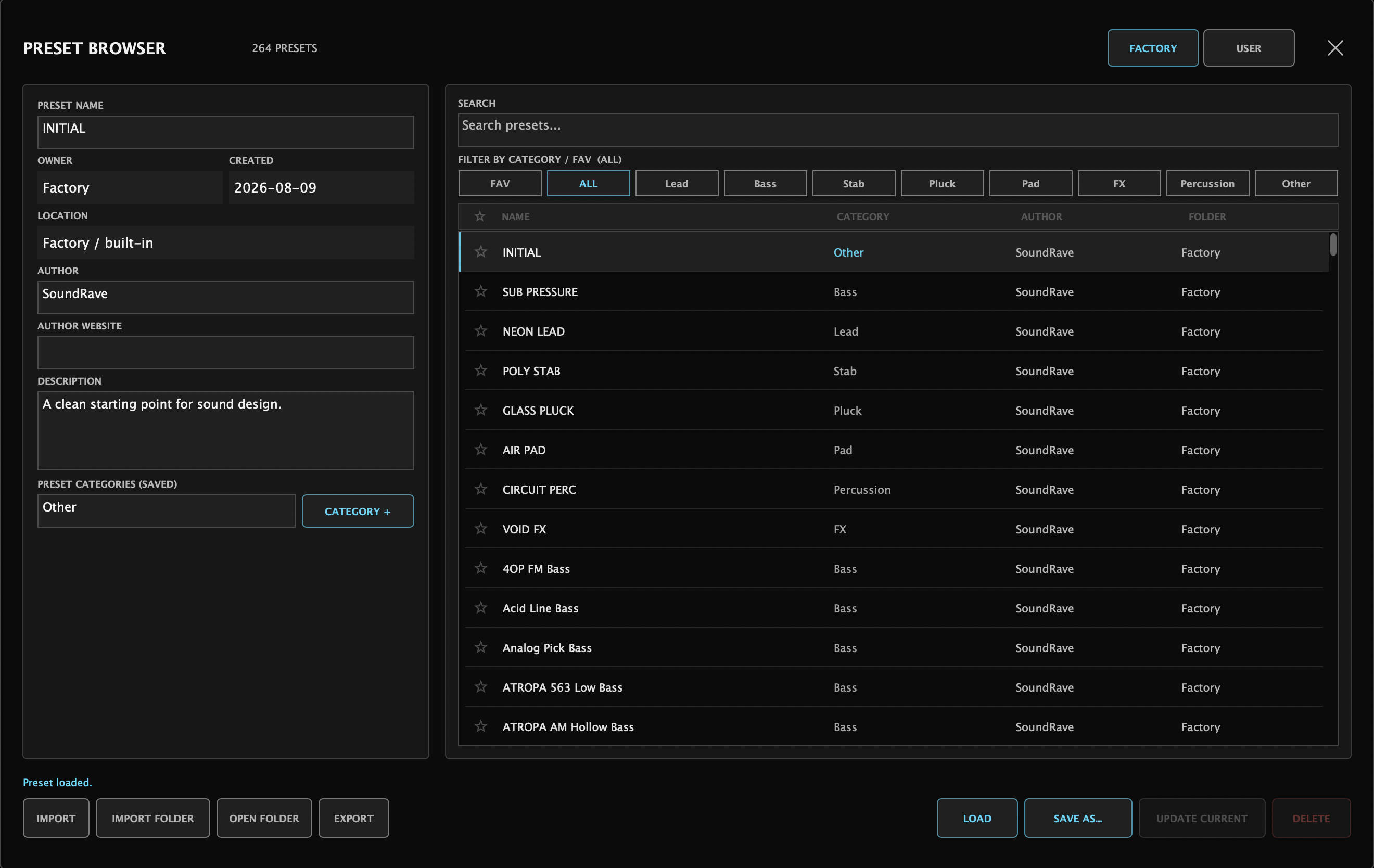
ATROPA includes the synthesizer, its factory and user preset workflow, and the launch EFX. The separate ATROPA FX plug-in is available only with an active Premium subscription.
 Download for Mac (Apple Silicon)
 SHA-2567890ad7473484a86541a84f43155f76acfe1c2b72c6b2488d2cc43a0aee09556
SHA-256dea83499ea5d44a752b4176095d62a5f29f2d3bb0604a6a0ba14971145753f5c
Select the root of your ATROPA user preset folder, not an individual preset pack folder. Files with the same name at the same path will be replaced; unrelated presets and folders will remain. Back up any matching presets you have edited before installing.
Choose your access
Creating an account alone does not unlock the standalone ATROPA FX plug-in.
Free
$0No subscriptionPremium
$4.99per monthAll-In Snapshot
$19.99one-timeSystem requirements
Recommended
Version history
Release
Development / AI policy
ATROPA uses AI-assisted development where it is useful, including code generation, implementation, refactoring, research, and planning. Architecture, DSP decisions, interface hierarchy, debugging, QA, security-sensitive review, and the final decision to ship remain under human responsibility.
Read the Development & AI Policy